

Skip to content
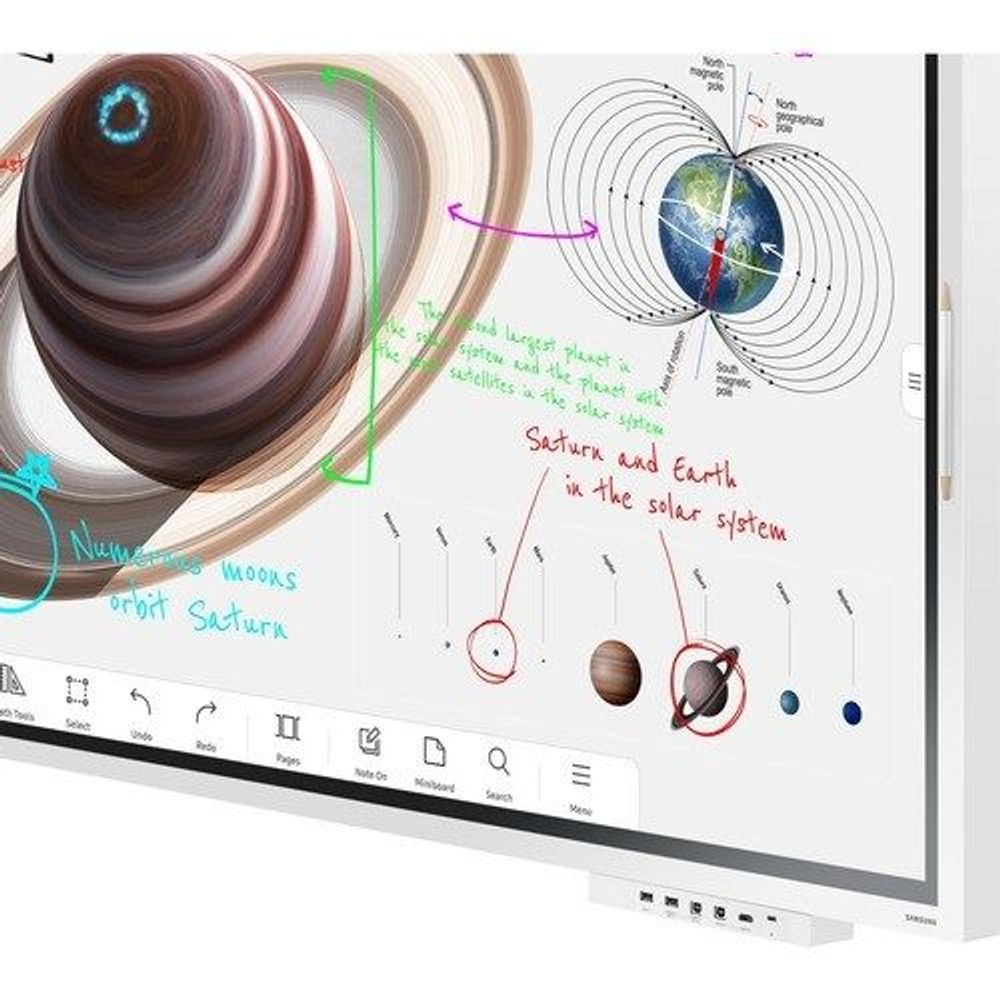
Samsung 65-inch interactive LCD display with white bezel and space diagram on screen
Samsung 65-inch interactive LCD display showing space diagram with navigation toolbar
Samsung 65-inch interactive LCD display screen with faint gray interface lines
Samsung 65-inch interactive LCD display screen with light interface layout, low detail
Samsung 65-inch interactive LCD display back panel edge, plain light surface
Samsung 65-inch interactive LCD display side/back panel, narrow light strip
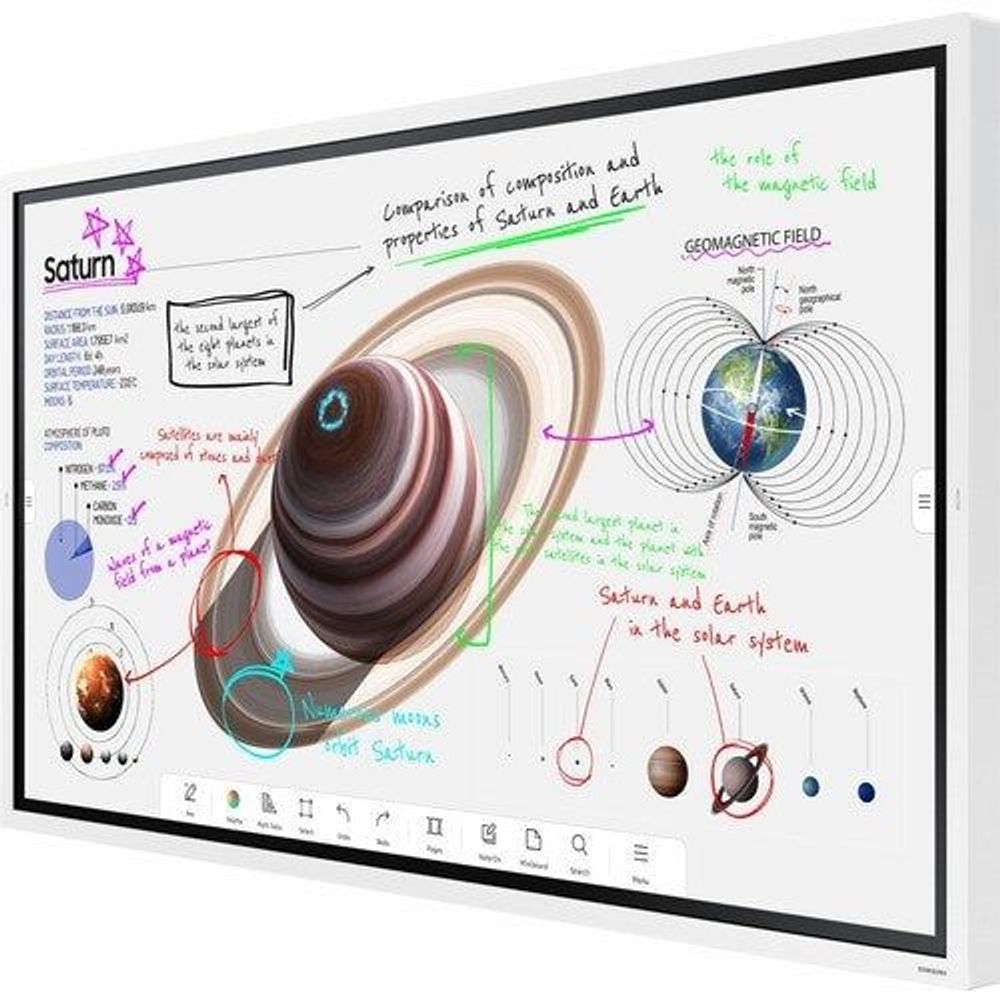
Samsung 65-inch interactive LCD display angled view with space diagram and bezel
Samsung 65-inch interactive LCD display front view with white bezel and space diagram
Samsung 65-inch interactive LCD display front view, space diagram on touchscreen
Samsung 65-inch interactive LCD display top edge view with slim light panel
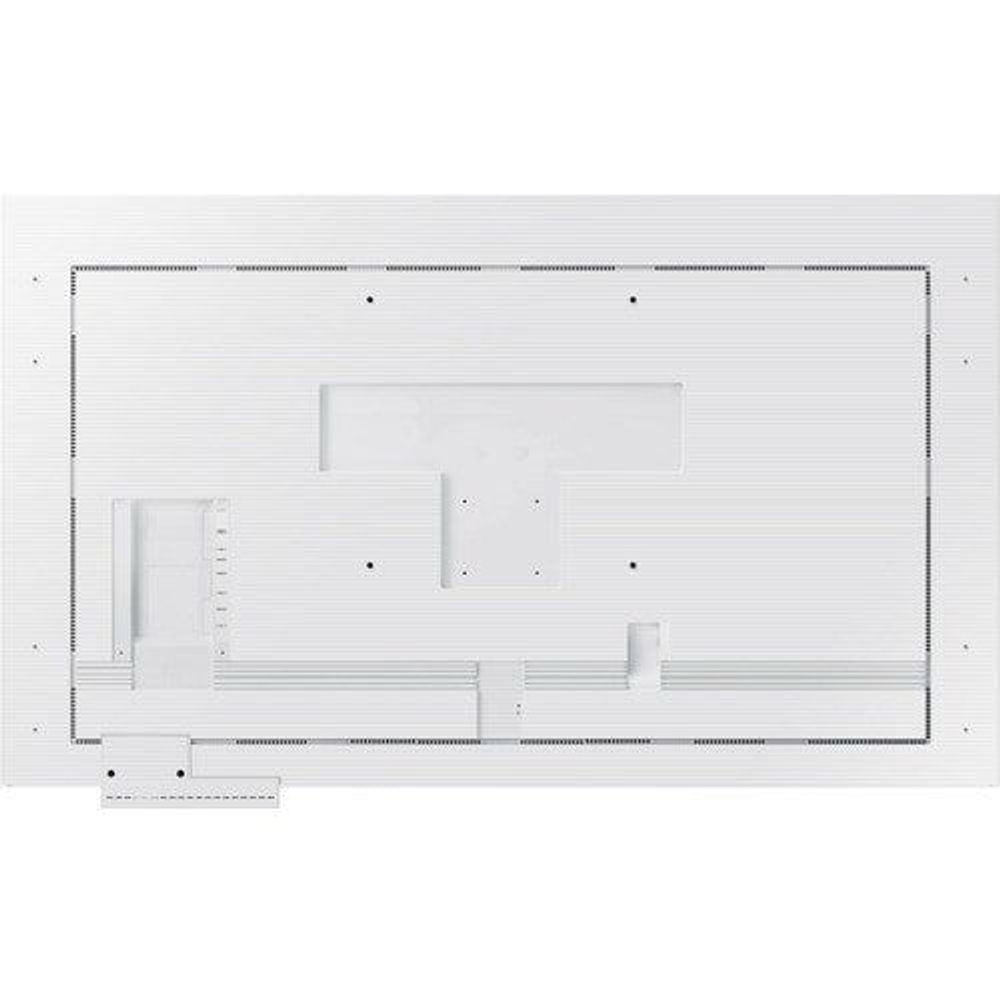
White Samsung 65" interactive display with rear mounting frame and cutouts
Samsung 65" interactive display showing space and geomagnetic field diagram on screen
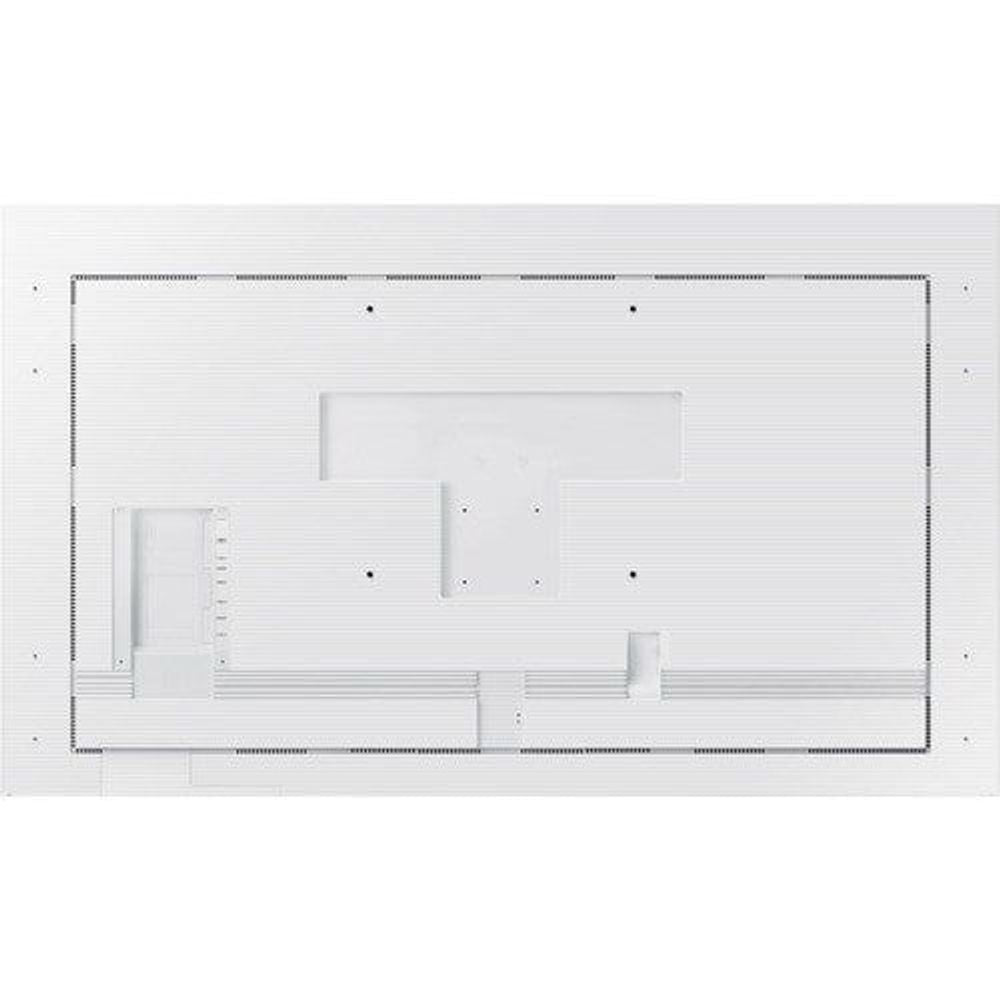
White Samsung 65" interactive display rear view with panel cutouts and mounting holes
White Samsung 65" interactive display with side housing and dark ventilation grille
Samsung 65" interactive display showing solar system science visuals and on-screen icons
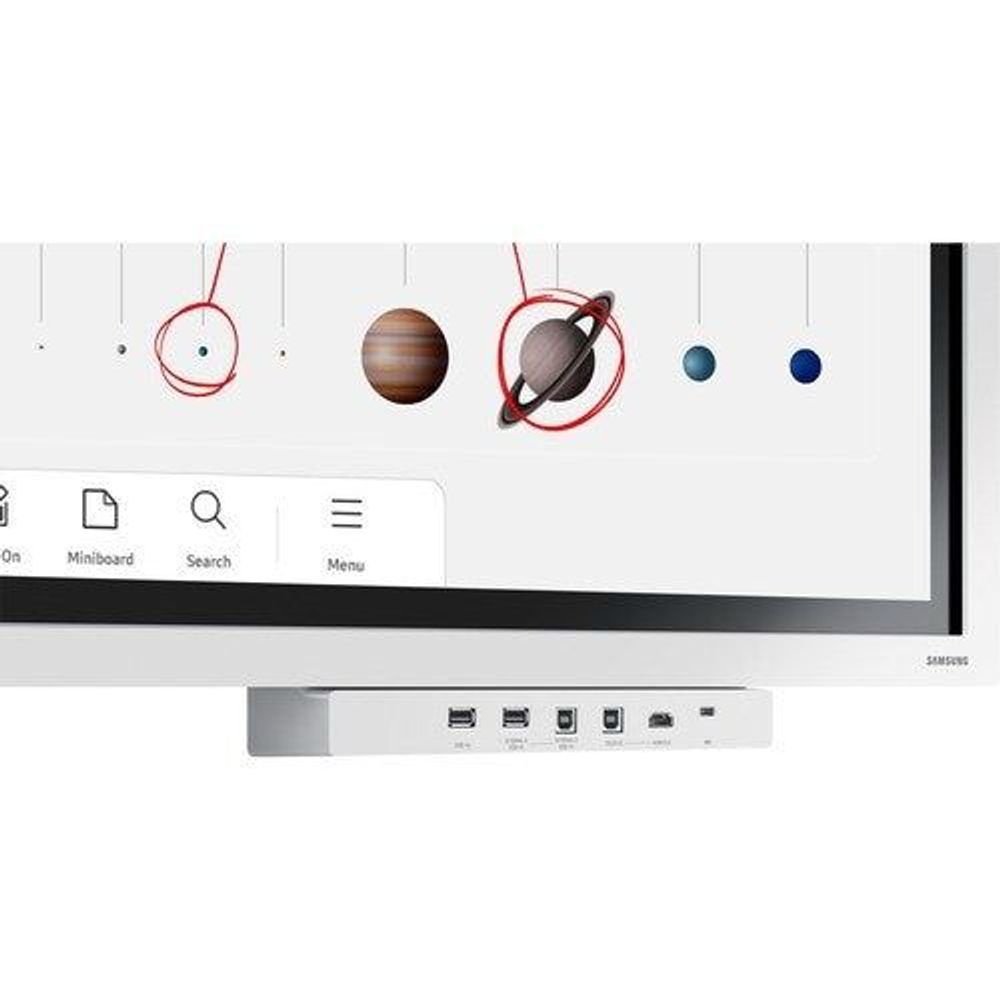
Samsung 65" interactive display bottom control area with ports and labels
Samsung 65" interactive display close-up of screen icons and navigation toolbar
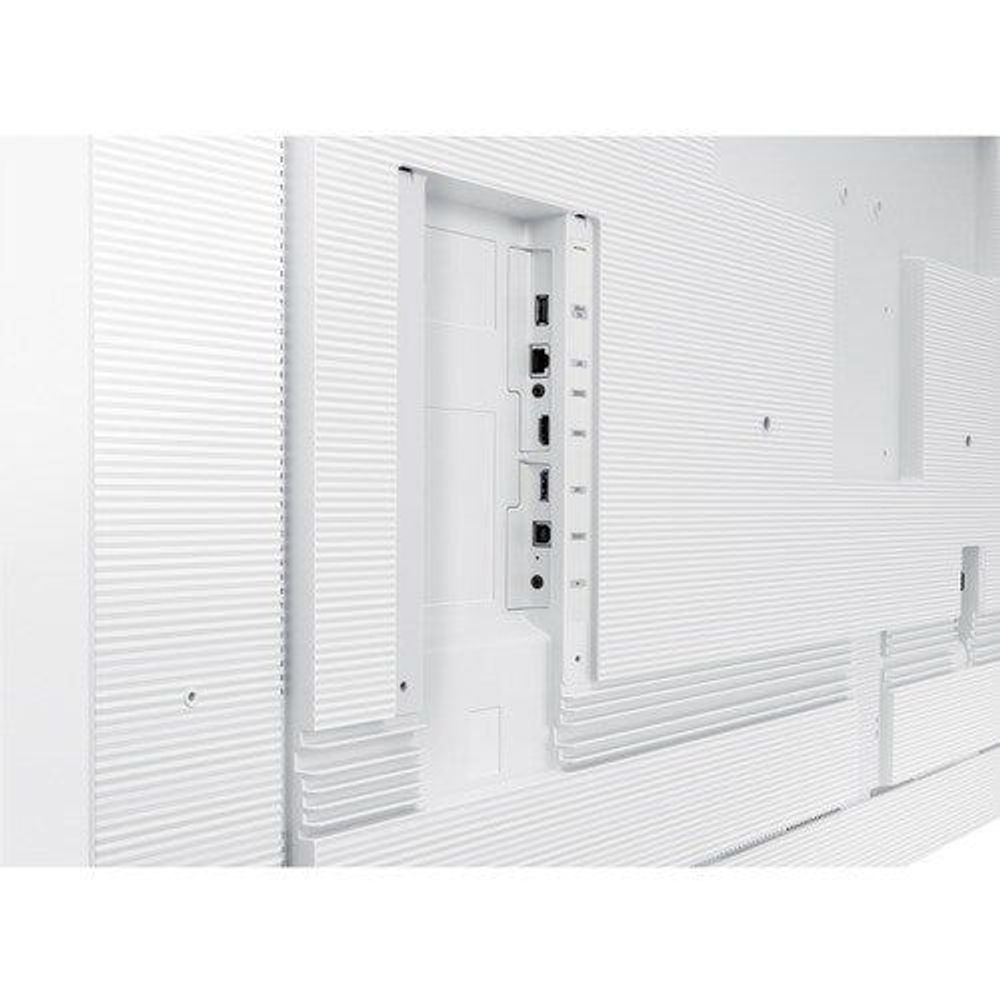
White Samsung 65" interactive display rear close-up with input panel and connectors
Samsung 65" interactive display rear base showing multiple video and USB ports
Samsung 65" interactive display angled rear bottom view with port cluster and label strip
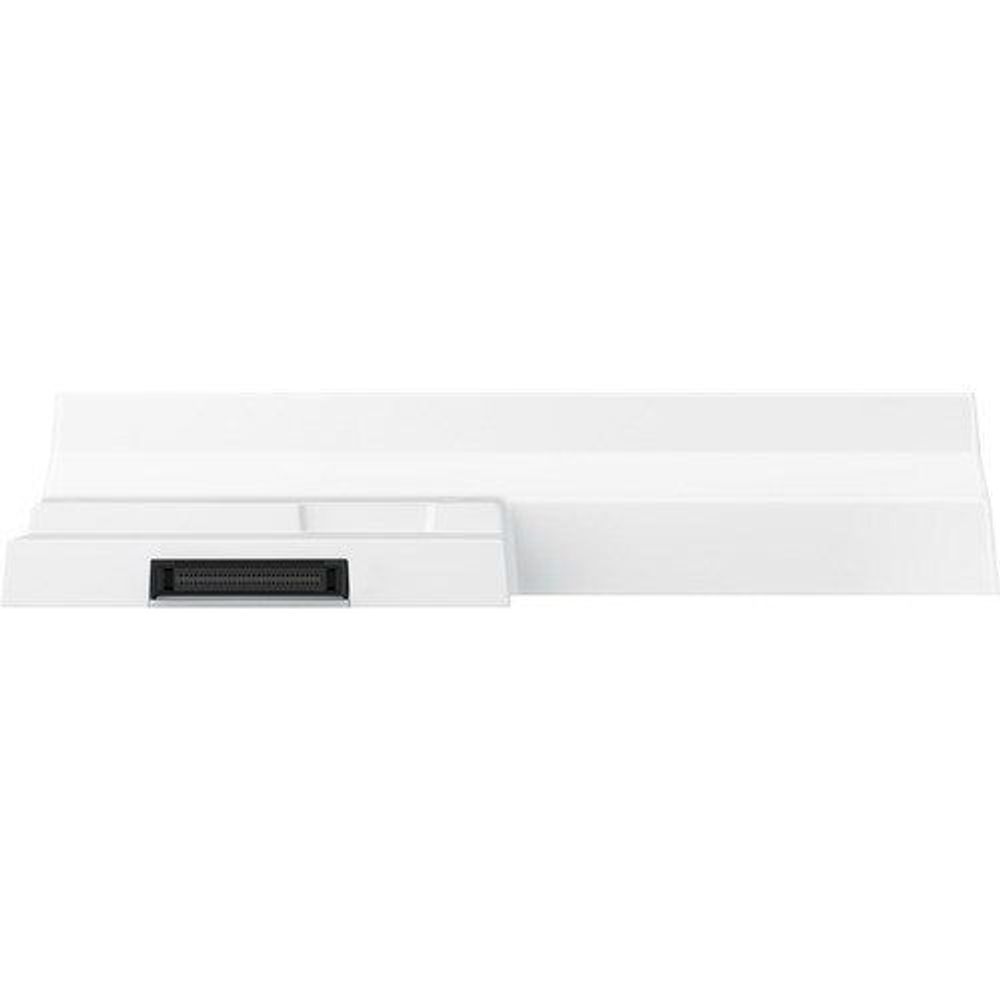
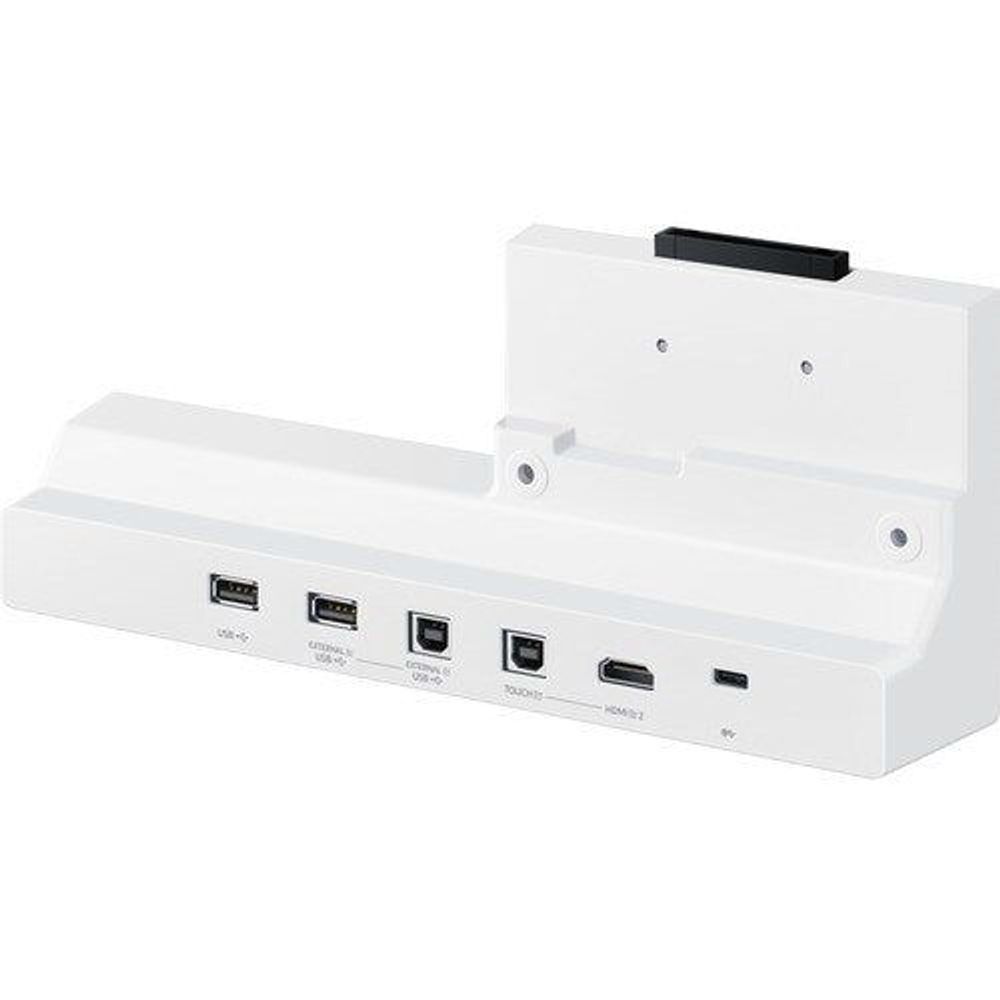
White flip interactive display base with front I/O ports and black handle
White flip display side view with vented grille and front port strip
White flip interactive display rear base with front connector panel
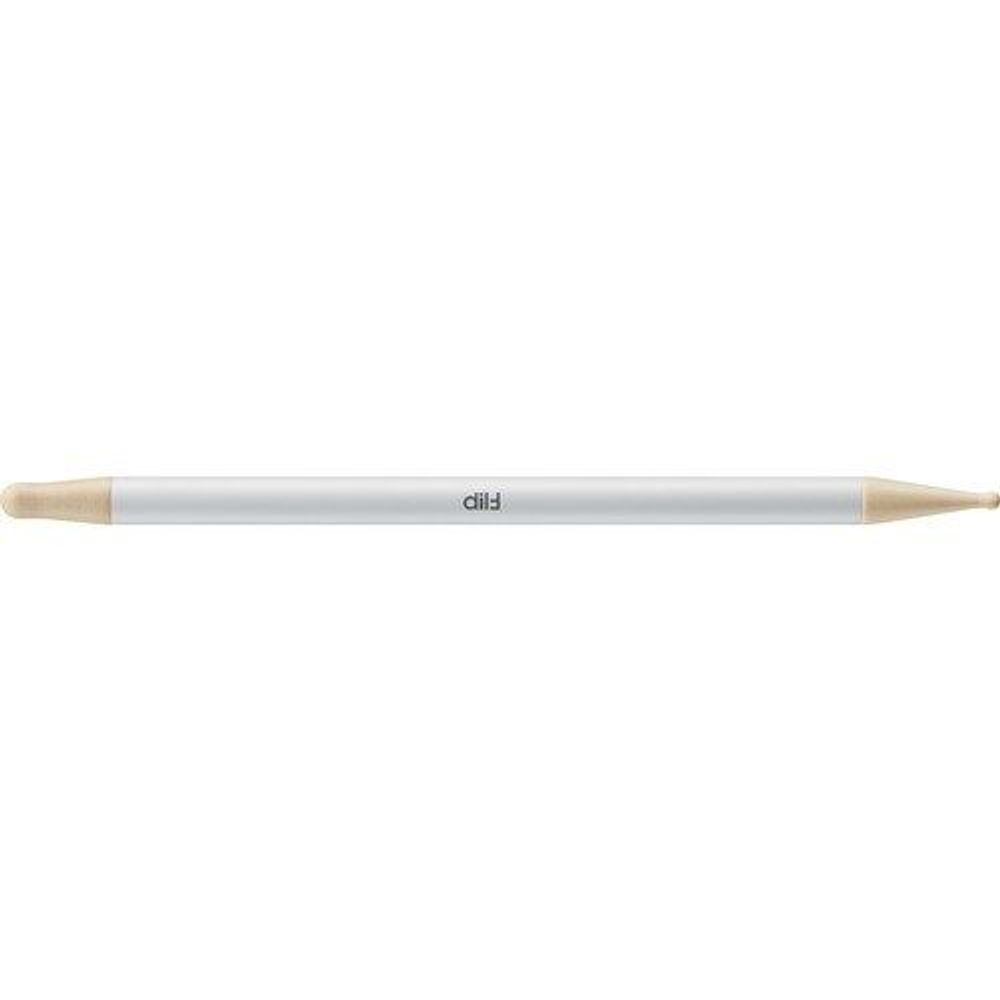
Gray stylus pen with gold tip for interactive display
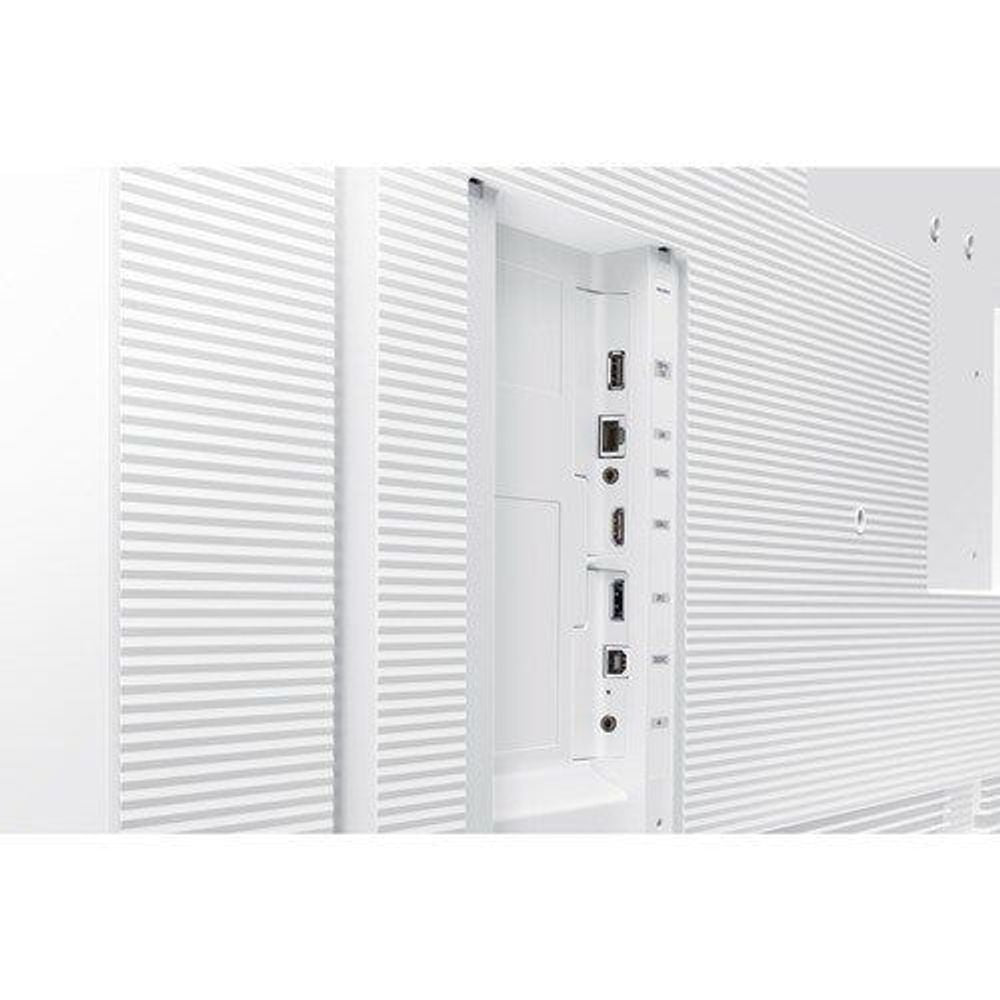
White interactive display back panel with built-in input ports
Samsung 65-inch interactive LCD display with white bezel and space diagram on screen
Samsung 65-inch interactive LCD display showing space diagram with navigation toolbar
Samsung 65-inch interactive LCD display screen with faint gray interface lines
Samsung 65-inch interactive LCD display screen with light interface layout, low detail
Samsung 65-inch interactive LCD display back panel edge, plain light surface
Samsung 65-inch interactive LCD display side/back panel, narrow light strip
Samsung 65-inch interactive LCD display angled view with space diagram and bezel
Samsung 65-inch interactive LCD display front view with white bezel and space diagram
Samsung 65-inch interactive LCD display front view, space diagram on touchscreen
Samsung 65-inch interactive LCD display top edge view with slim light panel
White Samsung 65" interactive display with rear mounting frame and cutouts
Samsung 65" interactive display showing space and geomagnetic field diagram on screen
White Samsung 65" interactive display rear view with panel cutouts and mounting holes
White Samsung 65" interactive display with side housing and dark ventilation grille
Samsung 65" interactive display showing solar system science visuals and on-screen icons
Samsung 65" interactive display bottom control area with ports and labels
Samsung 65" interactive display close-up of screen icons and navigation toolbar
White Samsung 65" interactive display rear close-up with input panel and connectors
Samsung 65" interactive display rear base showing multiple video and USB ports
Samsung 65" interactive display angled rear bottom view with port cluster and label strip
White flip interactive display base with front I/O ports and black handle
White flip display side view with vented grille and front port strip
White flip interactive display rear base with front connector panel
Gray stylus pen with gold tip for interactive display
White interactive display back panel with built-in input ports

LH65WMBWBGCXXY - Samsung 65" Flip Pro WMB Interactive Display - 65" LCD - 3.50 GB - Inf

LH65WMBWBGCXXY

8% OFF
$5,104.21 $5,600.01

Tax included.

Out of stock
Select quantity
Description

Unlimited learning possibilities

As digitalisation of education accelerates to enable impactful, interactive collaboration, Flip Pro gives educators the tools needed to deliver a wide range of learning methods. With versatile connectivity, intelligent software and intuitive features, Flip Pro introduces the future of education.

Collaborate with multi-touch | Fast & multi-touch

Flip Pro delivers incredible latency at just 26ms, with prediction logic applied that helps ensure a realistic, smooth drawing experience with 2,048 points of pressure built directly into the display to unlock creativity. Plus, Flip Pro enables multi-touch for up to 20 people for collaborative interactivity.

Bring ideas to life | Intuitive writing & drawing

Ideas can be brought to life on Flip Pro with pen and brush mode that helps provide a real-world writing experience, while flexible erasing requires just a swipe of your finger or palm. The quick tool and palette menu ensure creativity flows and toggle button easily enables a new note layer UI.

Stay connected | Versatile connectivity

Flip Pro provides multiple connectivity options, including USB, HDMI, DP and OPS slot. Educators can easily connect their device to access content and display information on a larger screen, as well as connect to any network and other devices through LAN port and wireless screen-mirroring.

One single port for three functions | 3-in-1 USB-C port

Connectivity is enhanced with 3-in-1 USB-C connectivity, enabling screen mirroring, touch control and external device charging(max. 65W). Educators can simply connect to the USB Type-C port, helping them to deliver interactive and engaging lessons with minimal hassle.

Share with AirPlay 2 | AirPlay2

Flip Pro is integrated with AirPlay 2, allowing educators and students to present on the big screen, to support visibility and engagement in larger spaces. Creating a wireless dual display setup helps to ensure students are properly receiving information, as well as opening opportunities for more collaborative interactions.

Smart, wireless sharing from multiple from devices | SmartView+

With SmartView+, up to 50 devices can be simultaneously connected to the interactive display wirelessly, in addition to enabling multi-view on up to four screens. This cable-less screen sharing functionality is ideal for larger meeting rooms as well as digitised classrooms.

Use your favorite third-party education solutions | OPS Slot

With OPS(Open Pluggable Specification) slot, Flip Pro enables educators to use their third-party education solutions, allowing them to deploy school information systems(SIS), learning apps and tools.

Access whatever you need, from anywhere | Workspace

With Workspace secured by Knox, Flip Pro enables users to easily access remote PC, network drive and other third-party applications such as Office 365, VMWare, Boxlight MimioConnect. This ensures efficiency from any location and an uninterrupted workflow for educators and students.

Optimise lesson planning with embedded learning solution | Boxlight MimioConnect

Flip Pro offers the MimioConnect app, an online blended learning platform, providing an extensive catalog of versatile learning content available via Workspace. Samsung's partnership with leading US education solutions delivers innovative education software directly


Specifications


Memory
Standard Memory 3.50 GB
Software
Operating System Tizen 6.5
Storage
Flash Memory Capacity 32 GB
Audio
Speakers Yes
Number of Speakers 4
RMS Output Power 40 W
Network & Communication
Bluetooth Yes
Ethernet Yes
Wireless LAN Yes
Power Description
Input Voltage 230 V AC
120 V AC
Power Consumption 192.50 W
Standby Power Consumption 500 mW
Touchscreen Information
Touchscreen Yes
Touchscreen Technology Infrared (IrDA)
Multi-touch Screen Yes
Number of Touch Points 20
Display & Graphics
Aspect Ratio 16:9
Contrast Ratio 4,000:1
Response Time 8 ms
Screen Resolution 3840 x 2160
Brightness 350 cd/m²
Screen Size 65"
Screen Mode 4K UHD
Horizontal Viewing Angle 178°
Vertical Viewing Angle 178°
Scan Format 2160p
Display Screen Type LCD
Display Screen Technology Vertical Alignment (VA)
Interfaces/Ports
USB Yes
HDMI Yes
Network (RJ-45) Yes
DisplayPort Yes
Number of HDMI Inputs 2
Total Number of USB Ports 4
Serial Yes
Physical Characteristics
Weight (Approximate) 39.70 kg
Height 897.6 mm
Width 1522.4 mm
Depth 62.9 mm
VESA Mount Compatible Yes
VESA Mount Standard 400 x 400
Product Material Plastic
General Information
Product Type Collaboration Display
Manufacturer Part Number LH65WMBWBGCXXY
Manufacturer Website Address http://www.samsung.com
Manufacturer Samsung
Product Model H65WMBWBGC
Product Name 65" Flip Pro WMB Interactive Display
Product Series WMB
Brand Name Samsung
Warranty
Brand

Samsung

Restock ETA (if applicable)

Product Details

Specifications

  • Samsung

  • HeadingLH65WMBWBGCXXY - Samsung 65" Flip Pro WMB Interactive Display - 65" LCD - 3.50 GB - Inf

Description

Unlimited learning possibilities

As digitalisation of education accelerates to enable impactful, interactive collaboration, Flip Pro gives educators the tools needed to deliver a wide range of learning methods. With versatile connectivity, intelligent software and intuitive features, Flip Pro introduces the future of education.

Collaborate with multi-touch | Fast & multi-touch

Flip Pro delivers incredible latency at just 26ms, with prediction logic applied that helps ensure a realistic, smooth drawing experience with 2,048 points of pressure built directly into the display to unlock creativity. Plus, Flip Pro enables multi-touch for up to 20 people for collaborative interactivity.

Bring ideas to life | Intuitive writing & drawing

Ideas can be brought to life on Flip Pro with pen and brush mode that helps provide a real-world writing experience, while flexible erasing requires just a swipe of your finger or palm. The quick tool and palette menu ensure creativity flows and toggle button easily enables a new note layer UI.

Stay connected | Versatile connectivity

Flip Pro provides multiple connectivity options, including USB, HDMI, DP and OPS slot. Educators can easily connect their device to access content and display information on a larger screen, as well as connect to any network and other devices through LAN port and wireless screen-mirroring.

One single port for three functions | 3-in-1 USB-C port

Connectivity is enhanced with 3-in-1 USB-C connectivity, enabling screen mirroring, touch control and external device charging(max. 65W). Educators can simply connect to the USB Type-C port, helping them to deliver interactive and engaging lessons with minimal hassle.

Share with AirPlay 2 | AirPlay2

Flip Pro is integrated with AirPlay 2, allowing educators and students to present on the big screen, to support visibility and engagement in larger spaces. Creating a wireless dual display setup helps to ensure students are properly receiving information, as well as opening opportunities for more collaborative interactions.

Smart, wireless sharing from multiple from devices | SmartView+

With SmartView+, up to 50 devices can be simultaneously connected to the interactive display wirelessly, in addition to enabling multi-view on up to four screens. This cable-less screen sharing functionality is ideal for larger meeting rooms as well as digitised classrooms.

Use your favorite third-party education solutions | OPS Slot

With OPS(Open Pluggable Specification) slot, Flip Pro enables educators to use their third-party education solutions, allowing them to deploy school information systems(SIS), learning apps and tools.

Access whatever you need, from anywhere | Workspace

With Workspace secured by Knox, Flip Pro enables users to easily access remote PC, network drive and other third-party applications such as Office 365, VMWare, Boxlight MimioConnect. This ensures efficiency from any location and an uninterrupted workflow for educators and students.

Optimise lesson planning with embedded learning solution | Boxlight MimioConnect

Flip Pro offers the MimioConnect app, an online blended learning platform, providing an extensive catalog of versatile learning content available via Workspace. Samsung's partnership with leading US education solutions delivers innovative education software directly


Specifications


Memory
Standard Memory 3.50 GB
Software
Operating System Tizen 6.5
Storage
Flash Memory Capacity 32 GB
Audio
Speakers Yes
Number of Speakers 4
RMS Output Power 40 W
Network & Communication
Bluetooth Yes
Ethernet Yes
Wireless LAN Yes
Power Description
Input Voltage 230 V AC
120 V AC
Power Consumption 192.50 W
Standby Power Consumption 500 mW
Touchscreen Information
Touchscreen Yes
Touchscreen Technology Infrared (IrDA)
Multi-touch Screen Yes
Number of Touch Points 20
Display & Graphics
Aspect Ratio 16:9
Contrast Ratio 4,000:1
Response Time 8 ms
Screen Resolution 3840 x 2160
Brightness 350 cd/m²
Screen Size 65"
Screen Mode 4K UHD
Horizontal Viewing Angle 178°
Vertical Viewing Angle 178°
Scan Format 2160p
Display Screen Type LCD
Display Screen Technology Vertical Alignment (VA)
Interfaces/Ports
USB Yes
HDMI Yes
Network (RJ-45) Yes
DisplayPort Yes
Number of HDMI Inputs 2
Total Number of USB Ports 4
Serial Yes
Physical Characteristics
Weight (Approximate) 39.70 kg
Height 897.6 mm
Width 1522.4 mm
Depth 62.9 mm
VESA Mount Compatible Yes
VESA Mount Standard 400 x 400
Product Material Plastic
General Information
Product Type Collaboration Display
Manufacturer Part Number LH65WMBWBGCXXY
Manufacturer Website Address http://www.samsung.com
Manufacturer Samsung
Product Model H65WMBWBGC
Product Name 65" Flip Pro WMB Interactive Display
Product Series WMB
Brand Name Samsung
Brand

Samsung

Warranty
| NO CREDIT CARD FEES | Kiwi Owned & Operated |
Quality Products | Great Prices | Winter Sale - Don't Miss out
| NO CREDIT CARD FEES | Kiwi Owned & Operated |
Quality Products | Great Prices | Winter Sale - Don't Miss out
| NO CREDIT CARD FEES | Kiwi Owned & Operated |
Quality Products | Great Prices | Winter Sale - Don't Miss out
| NO CREDIT CARD FEES | Kiwi Owned & Operated |
Quality Products | Great Prices | Winter Sale - Don't Miss out
| NO CREDIT CARD FEES | Kiwi Owned & Operated |
Quality Products | Great Prices | Winter Sale - Don't Miss out
| NO CREDIT CARD FEES | Kiwi Owned & Operated |
Quality Products | Great Prices | Winter Sale - Don't Miss out
| NO CREDIT CARD FEES | Kiwi Owned & Operated |
Quality Products | Great Prices | Winter Sale - Don't Miss out
| NO CREDIT CARD FEES | Kiwi Owned & Operated |
Quality Products | Great Prices | Winter Sale - Don't Miss out
| NO CREDIT CARD FEES | Kiwi Owned & Operated |
Quality Products | Great Prices | Winter Sale - Don't Miss out
| NO CREDIT CARD FEES | Kiwi Owned & Operated |
Quality Products | Great Prices | Winter Sale - Don't Miss out
| NO CREDIT CARD FEES | Kiwi Owned & Operated |
Quality Products | Great Prices | Winter Sale - Don't Miss out
| NO CREDIT CARD FEES | Kiwi Owned & Operated |
Quality Products | Great Prices | Winter Sale - Don't Miss out

WINTER Deals

  • 00

    Days

  • :
  • 00

    Hours

  • :
  • 00

    Minutes

  • :
  • 00

    Seconds

Search

Cart

Your cart is empty.

Unfortunately we could not find any products in your cart.

Continue shopping
Samsung 65-inch interactive LCD display with white bezel and space diagram on screen
Samsung 65-inch interactive LCD display showing space diagram with navigation toolbar
Samsung 65-inch interactive LCD display screen with faint gray interface lines
Samsung 65-inch interactive LCD display screen with light interface layout, low detail
Samsung 65-inch interactive LCD display back panel edge, plain light surface
Samsung 65-inch interactive LCD display side/back panel, narrow light strip
Samsung 65-inch interactive LCD display angled view with space diagram and bezel
Samsung 65-inch interactive LCD display front view with white bezel and space diagram
Samsung 65-inch interactive LCD display front view, space diagram on touchscreen
Samsung 65-inch interactive LCD display top edge view with slim light panel
White Samsung 65" interactive display with rear mounting frame and cutouts
Samsung 65" interactive display showing space and geomagnetic field diagram on screen
White Samsung 65" interactive display rear view with panel cutouts and mounting holes
White Samsung 65" interactive display with side housing and dark ventilation grille
Samsung 65" interactive display showing solar system science visuals and on-screen icons
Samsung 65" interactive display bottom control area with ports and labels
Samsung 65" interactive display close-up of screen icons and navigation toolbar
White Samsung 65" interactive display rear close-up with input panel and connectors
Samsung 65" interactive display rear base showing multiple video and USB ports
Samsung 65" interactive display angled rear bottom view with port cluster and label strip
White flip interactive display base with front I/O ports and black handle
White flip display side view with vented grille and front port strip
White flip interactive display rear base with front connector panel
Gray stylus pen with gold tip for interactive display
White interactive display back panel with built-in input ports